 ITBLogs.Info
Category: "Android"
Chinese IME in kubuntu
I loved to re-build some old computer with Kubuntu. Kubuntu got an UI will be very similar with Windows 10. That is very suitable for Windows Switcher and the performance is much better for Windows 10 in the older specitications. One of the problem is lack of Chinese IME in Kubuntu. I found the solution, if you only require to input chinese for Web Search or you use web app to do the wordprocessing. You can install Google IME in the Chrome as the extension. It has a lot of Chinese IME, such as Cangjie and Pinyin. Moreover, you use mouse to write Chinese character for input too. That is very useful
Upgraded to Windows 11
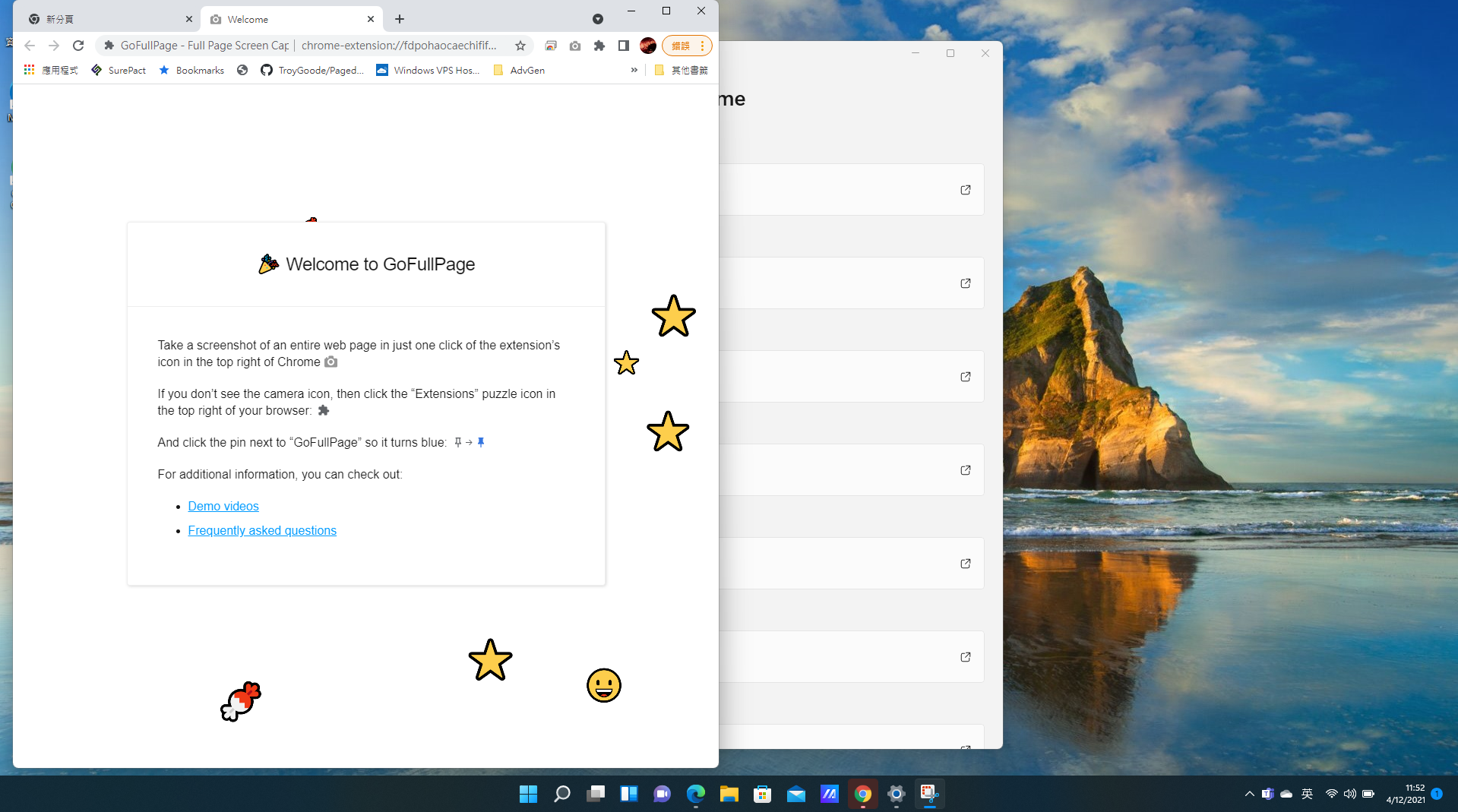
I finally upgraded to Windows 11 from Windows 10. Generally, no performance is downgraded, and no applications are crashed after the upgrade. The UI looks fresher. But I still feel uncomfortable having the start button and menu in the center of the task bar.
Windows 11 is released
Yesterday. Windows 11 is released. The major changes are in the UI. The star button is in the middle, that is more like to MacOS. Moreover, this version comes with Microsoft Teams. I think that is the new normal, work form home trend. Lastly, that is good for us the developers. This version store accpet the traditional windows app! The store got the new design too.
Redmi Note 10 Pro - My New Phone
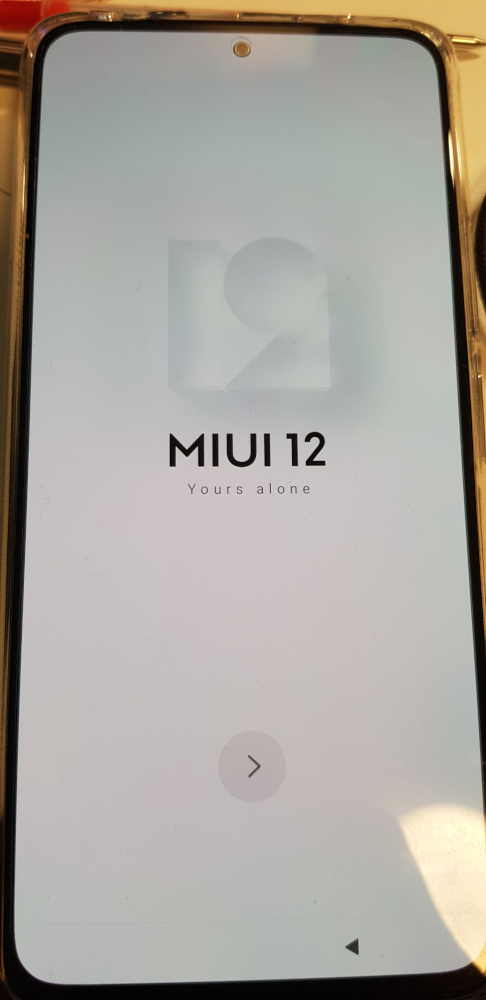
In past, I loved to buy the flag ship phone. normally, I spent around $1500 for my phone. However, during these two years, maybe I am getting old. I switched my mood to get the middle to low end phone. I do not have much time to play games. I only use my phone to shoot video and taking photots. Moreover, my phone is a developer phone to test my app. Those tasks do not require a powerful CPU. Then I switched my choosen brand from Samsung to xiaomi. This company are good to build phone in the way to be very value for money. A few weeks, I dropped my old mi 9T pro phone, which I bought that for $600 two years. Then the screen is completely broken. Ok, I need to get another new phone. This times, I picked Redmi Note 10 Pro. Because I need a bigger screen which is 6.67". Moreover, it has 108M pixels camera. It sounds cool. Finally, I got this at $465, that is quite cool, considering the Australian dollar is quite weak.
I moved away from Google Photo to Synology NAS DS220j
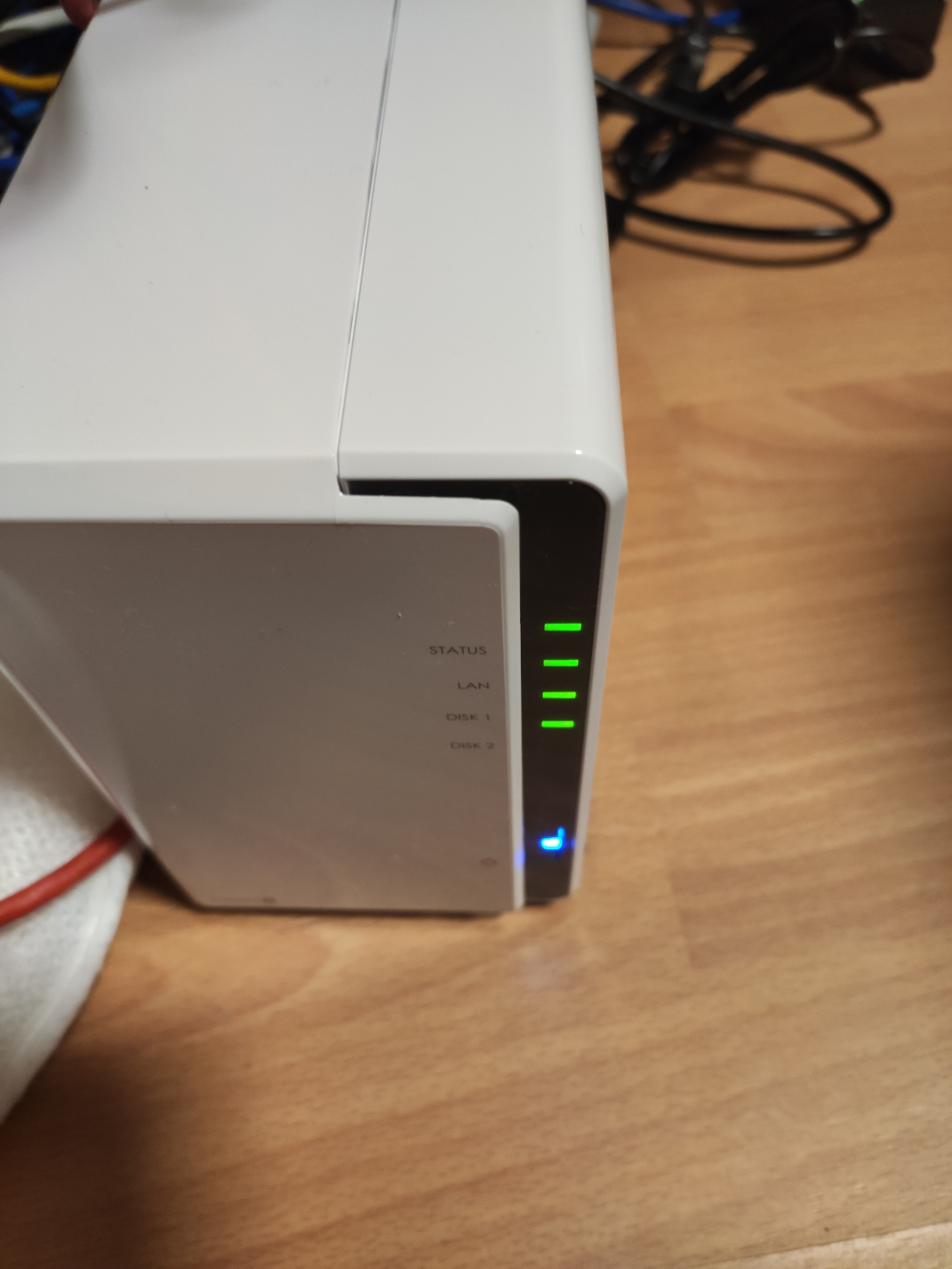
Tomorrorw 1 June, 2021, Google Photo will end up their offer for free backup photo from the users' phone. Well, I have used Google Photo to backup for more than 4 years. Actually, I thik that is fair, in the world, there is no such things calls "Free Lunch". It gave me some monmentums to buy my own NAS to backup. After some researches and listened a number of podcasts, I believe Synology is my best option. It has Moments which is a replacement of Google Photo, moreover, it has Synology Drive which is very similar with Google Drive. You can sync your local folder with NAS. The major benefit is to have Synology, it has QuickConnect technology. It will do all sort of things such as router by pass. Thus, you can access your NAS from internet. It makes my phone can access all data in Synology Drive and photos in Moments from outside. Also, I won't need to download the data into my phone, I need to access the data I want from the app, that is very handy. Now, I don't need to keep a lot of data in my phone. At the end I bought the basic two bays version of NAS DS220j. That is because of my limited budget. If I have more money, I will buy a 3 bays version and running RAID 5, which is more effective to use the hard disk. Anyway, it is good enough. I uploaded all of photos to Moments, that is very useful, although the AI is not as good as Google Photo, I cannot do the photo search as good as Google Photo. For Synology Drive, that is exactly did what Google drive can do. Lastly, I installed USB Copy Plug-in, so it will copy the NAS data into the external hard disk as another layer of backup