 ITBLogs.Info
Google PageSpeed
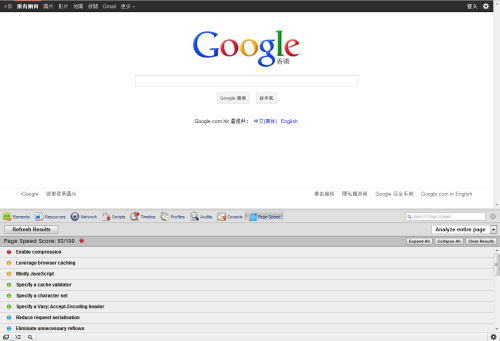
I installed the Google PageSpeed. This is a good tool to optimize my websites.
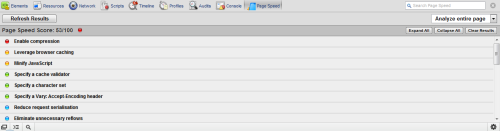
It will give me a score of my website. Moreover, it will draw advice for fine tuning too! That is very cool!
Unbootable Boot Volume Problem
This week, my friend brought her computer to see me. Her computer can load up a Windows starting screen for a few seconds and it got a blue screen with an error message, "Unbootable Boot Volume". That doesn't seem like a hardware failure, because it can load the start up screen. I found a Windows Vista Setup DVD. I loaded it up. After the first screen which asks me to choose the language, there is a screen with the option for Recovery Console. Then I selected it this one. After that, I chose the Command Prompt. Then I typed "chkdsk C:/r". Then "Waiting.....". After an hour, it scanned the disk and repaired the files damaged. I removed the DVD and rebooted it. It works again!
Reference:
Windows Support
Openclipart.org is up now!
Past a few weeks, openclipart.org had been down. Today, I went to openclipart.org. That is up again! We can download public domain vector images in there! Enjoy Free and Open images!
Turn RSS into a magazine - Feedly
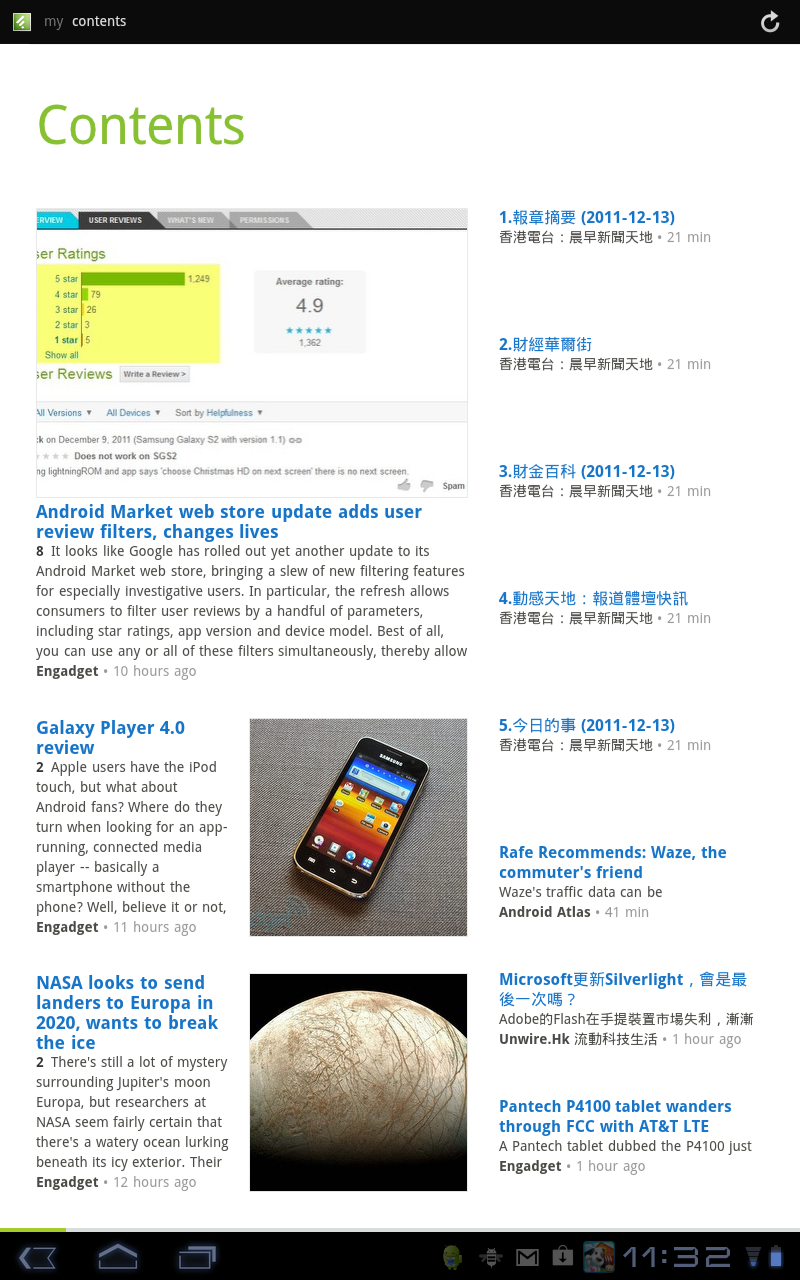
I found RSS is not very presentable format. That is very hard to read. A few days ago, I found a good android app, Feedly. It fixed this problem. It used a magazine style interface to present the RSS. That is very good.
It has some build-ins RSS feeds which is in wide range of topics, such as IT and Business. Also, you can link it with your Google Reader. That is so cool!
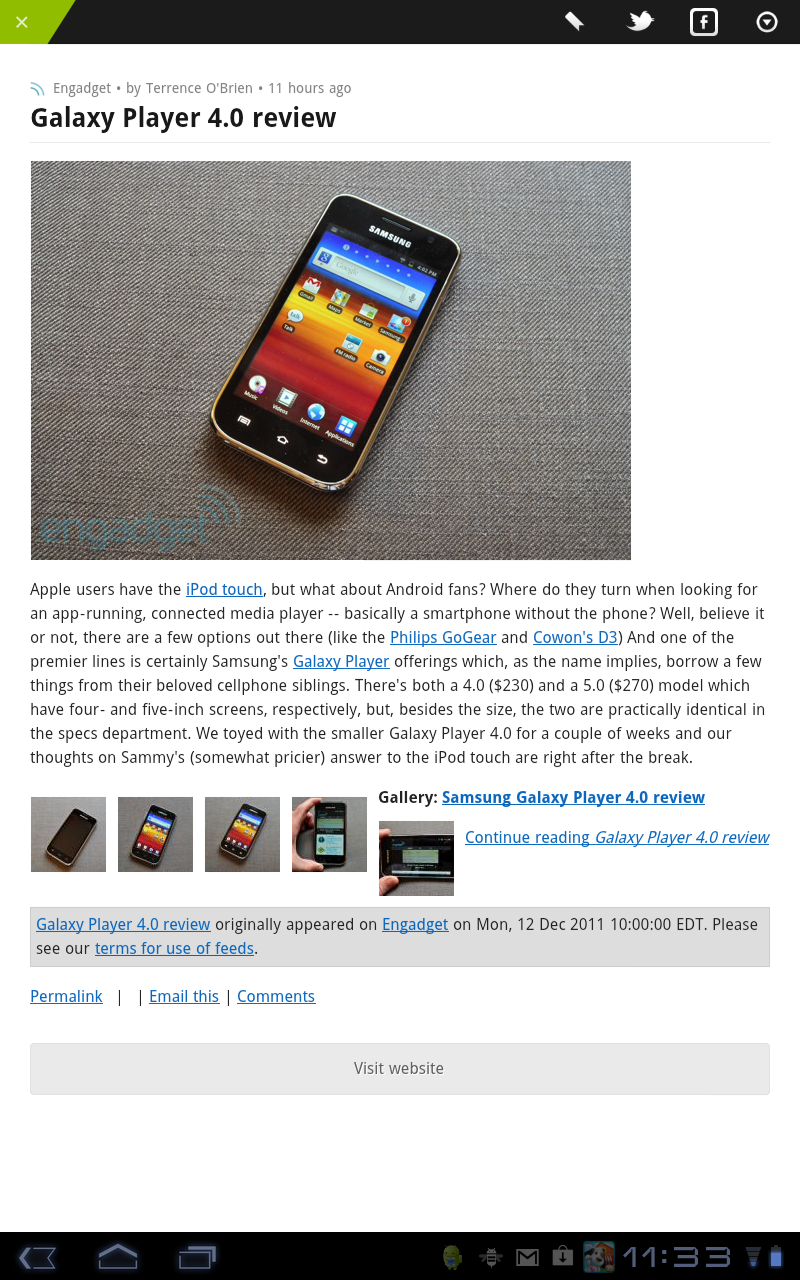
In addition, not just the feed is presentable. The interface to view individual item is cool too!
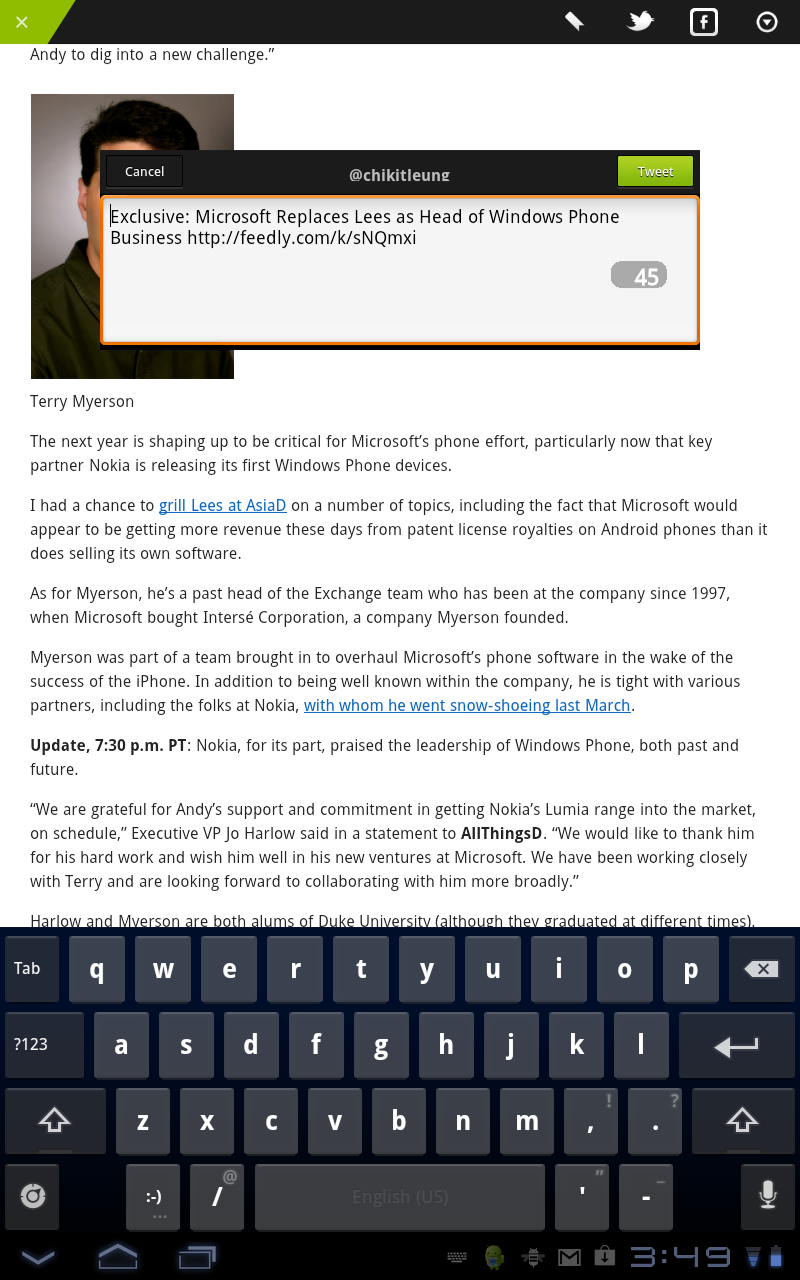
You can use it to share the item too within a click!
Please click here to download
Acer Iconia A500 is in the debug mode.
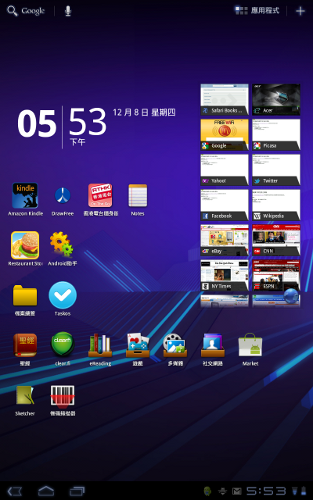
Yesterday, I connected my A500 to my computer. I can do some debug works in this tablet. That is not Plug and Play. You have to download the USB driver in acer. Please select tablet-> Iconia TAB-> A500. After you installed the driver, then the tablet is set to enable for debug and plug-in the tablet via USB. That will works fine!