 ITBLogs.Info
Acer Iconia is updated
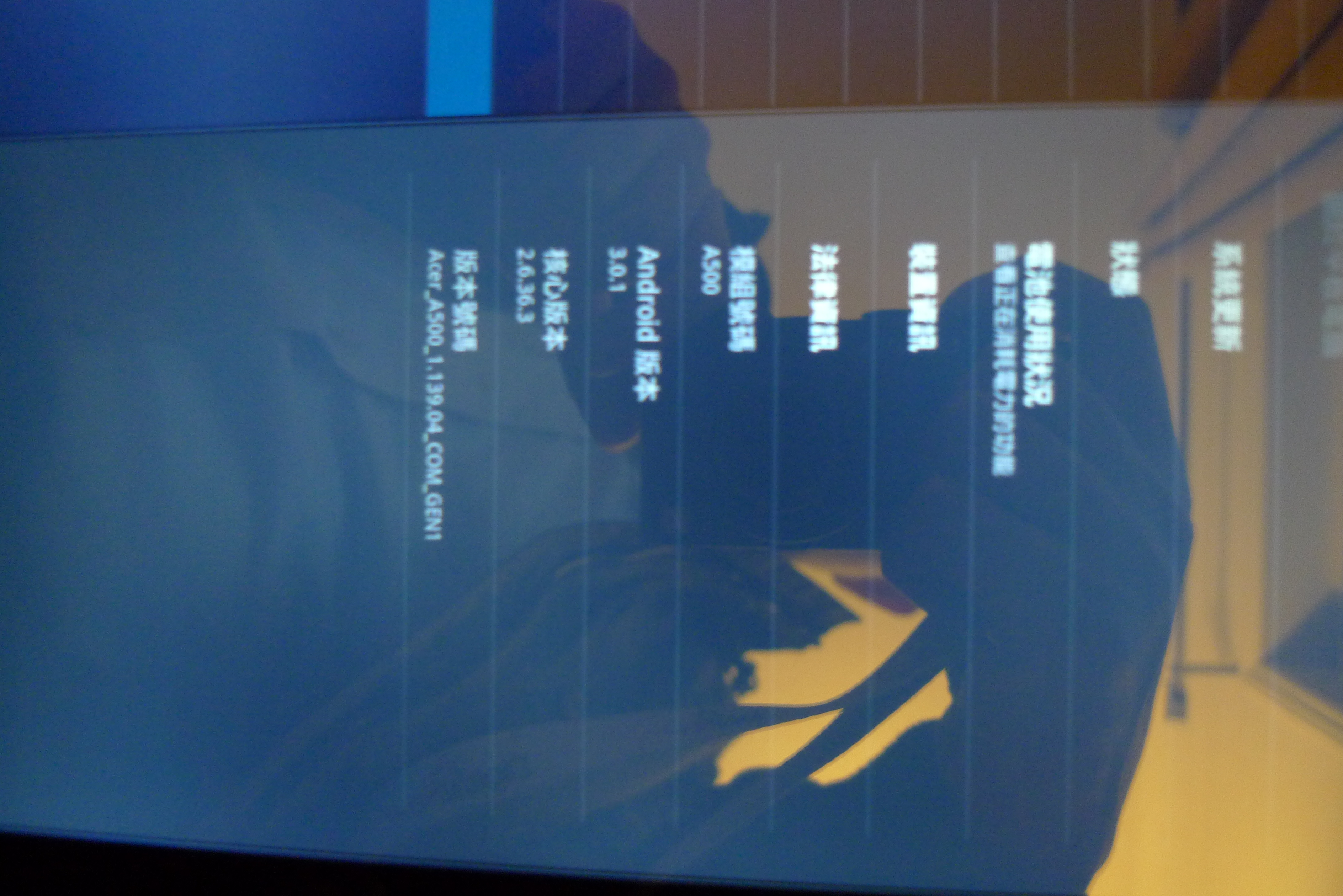
I had Galaxy S near a year. There is one things I don't like. Samsung doesn't release upgrade very frequently. On other hand, last week I bought Acer Iconia. Today, I found there is a upgrade, now is Android 3.0.1(I can't remember whether that is before too.). I guess that is easy to do. Iconia doesn't have the level of customization as Galaxy S. Moreover, it did the upgrade via wifi. I don't need to connect a PC, that is great.
(P.S. Sorry about the photo quality. I still cannot get Iconia to connect the SDK for Screen Shot. So, I took a photo for setting screen instead. )
Android 3.1 is released, but I don't find there are any big changes
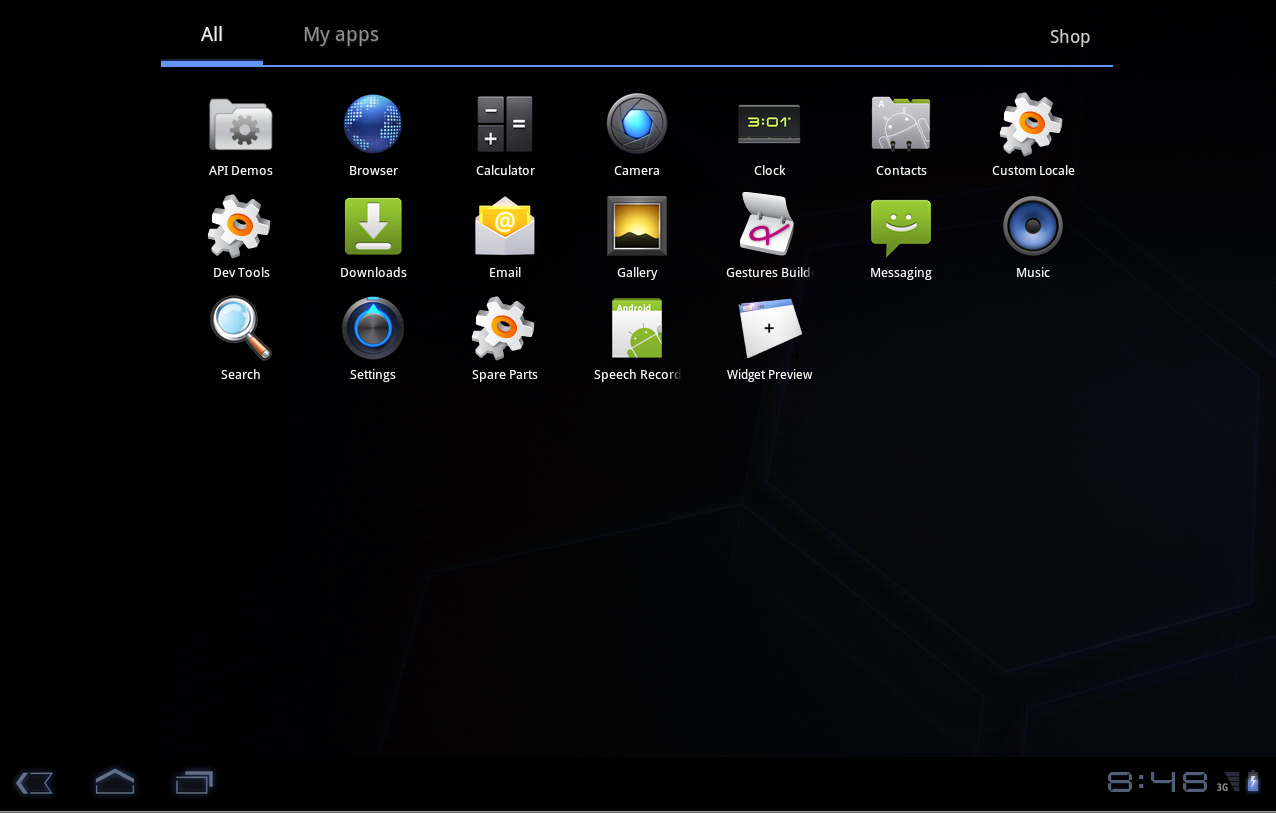
Today, I installed Android 3.1. I don't find there are any big changes yet. It looks very very similar with my new Tablet, Iconia, which is running Android 3.0. According to Google, it will support more USB devices, such as Game Controller. So far, I tested it in VM. That is the reason, I cannot experience their new features yet. Moreover, there is some major API enhancements, such as new USB host API, the MTP API which is allow the developer to access an external camera and new Real-time Transport Protocol API for streaming. I have not started any development in Android 3.X, so I cannot use them yet. Lastly, another good feature cannot tested the new Hardware-accelerated 2D graphics in my box . Even the VM supports it, but I have not a graphics accelerate card at all. Generally, I can find some UI improvements, but I cannout find much other stuff. I need to have a real Android 3.1 device, not just a VM to test!
Reference:
Android 3.0 Platform Highlights from Google
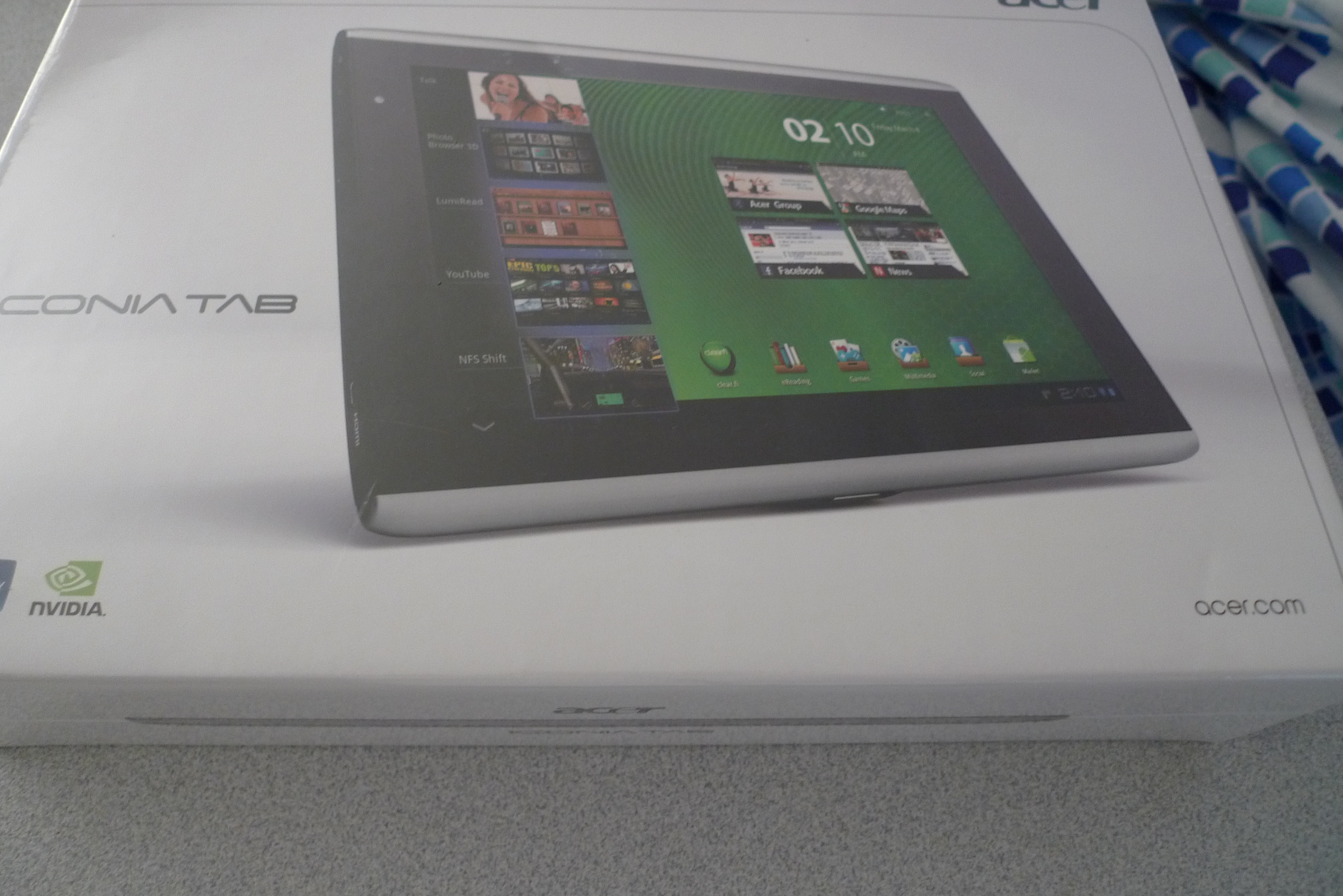
Finally, I bought an Android Tablet, Acer Iconia A500
I want to buy an Android Tablet for ages. But Android is not design for Tablet. If it installs on a tablet, the interface is a kind of strange. Moreover, most of android tablet do not support Android Market, they have to use their "Market" to download the software. Those "Market" have less number of software than Android Market. That is not very good. Besides, most of Android Tablet are 7" screen, that is too small for me. That is not good for using a A4-size pdf.
However, recently, Acer launched their tablet, Iconia A500. That is using Android 3.0, which is the first Android OS for Tablet. The interface is nice. Moreover, it supports Android Market. In addition, the hardware specification is good! It has NVIDIA Tegra 250 dual-core CPU 1Ghz with by 1GB RAM. It sounds great! The price is ok too! If you buy it in Myer, you will get doubled points award. The price of Iconia is $579, which is 2316 points. Therefore, you can get $20 Myer Gift card right now!
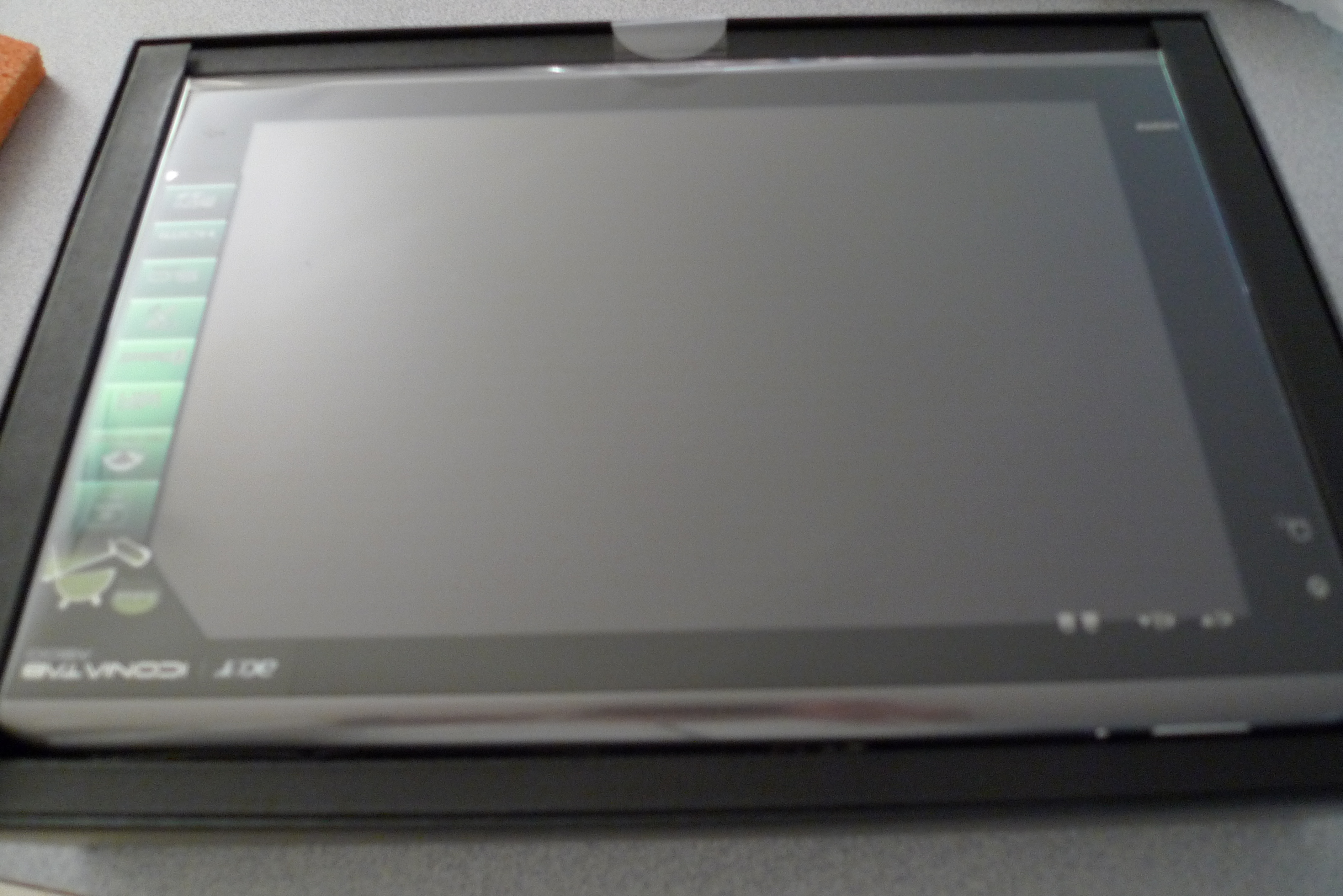
Thus, I bought one today. Now, it is charging..... I am looking forward to test!
getUserStateFromRequest falied in Joomla 1.6
I have built a new website in Joomla 1.6. I found a component which is designed for Joomla 1.5. It cannot work. The error message is "Call to a member function getUserStateFromRequest() on a non-object". I did research. I found a related post in
Joomla Forum. That is because in Joomla 1.6, $mainframe is not existed anymore. The component I installed is tried to call getUserStateFromRequest() from $mainframe. Then the solution is simple.
Please add this in /administrator/index.php
Code
global $mainframe; | |
$mainframe = JFactory::getApplication(); |
Under "$app = JFactory::getApplication('administrator');"
Now, that is all works now!
Please re-think before you remove your SIM card from Galaxy S
Yesterday, I removed my SIM card from my Galaxy S. And then I turned it on. So that, I can use it as a wifi device only. After I did some tasks, I plugged back the SIM card into the phone. Then I had a problem. The user data are gone! I did debug on my phone. I found SQLite database are gone!!!!! As a result, I have to uninstall apps and install them again! This is the only way to make those apps work again! So poor. So, please re-think before you remove your sim card from Galaxy S. That may be a problem which is unique in my phone, but you should be still cautious about that!