 ITBLogs.Info
ERROR: Unknown option '--no-crunch' in Eclipse
I got an error in Eclipse, ERROR: Unknown option '--no-crunch' in Eclipse. I cannot start the emulator. The reason is I updated ADT plug-in in Eclipse. But I have not update the SDK at the same time.The new ADT Plug-in used the new option in SDK.
The solution is simple, please click SDK Manager in Eclipse, it will update itself. Remember the option,"Help->Check for updates", won't update your SDK. It will only update the ADT plug-in.
Atahualpa 3.6.7 - Adsense Bug
I got a new website which is using Atahualpa 3.6.7 wordpress template. Yesterday, we tried to place an Adsense code in there. It doesn't work. We believed the website were blocked by Adsense. That is not truth! We tried to switched the template, then that works! The solution is simple to use the latest version of Atahualpa, they already fixed this bug!
Galaxy S is upgraded to Android 2.3.5
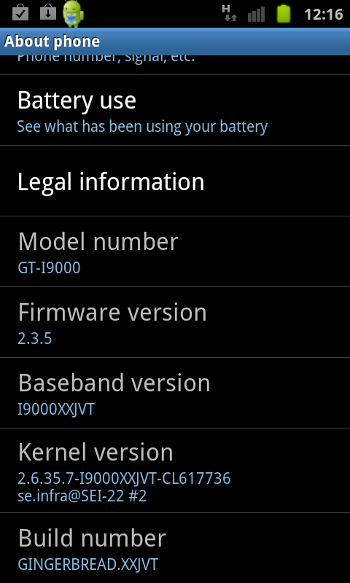
I just got my Galaxy S upgraded about a month ago. Today, I found there is Android 2.3.5 update. The speed of rolling out is getting faster. I believe Samsung is working closer with Google.
Moreover, I found the new version have some performance enhancements too! I am already happy enough about it.
Acer Iconia A500 - USB Network Card
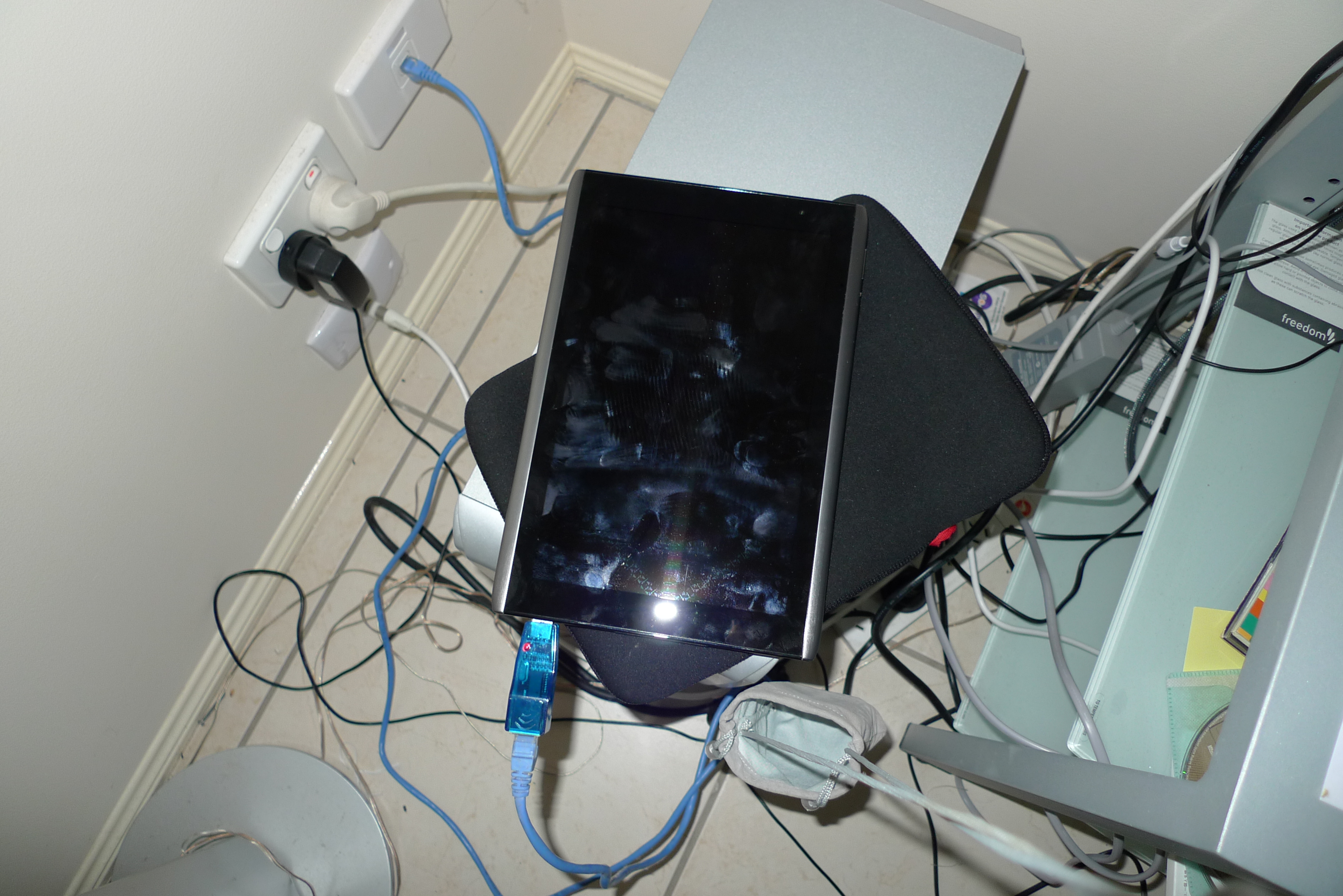
I have upgraded my Iconia A500 to Android 3.2, I have plugged it with USB Network Card again. That is still not working!!! I think even the OS is upgraded, it won't work! I believe USB Network Card cannot use with an Android Tablet, that is not a recommended way from Google.
Acer Iconia A500 has been upgraded to 3.2
That's quick, my Acer Iconia A500 has another update! Yesterday, I downloaded the latest update from Acer. Today, I got it updated to Android 3.2.
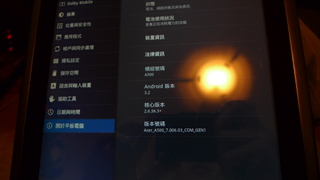
The first enhancement I picked up is the performance. It seems to get 2X speed! Maybe, I will find more new features in next few days.